
Deploying with Docker
Docker is the supported way to get Jube running - a docker-compose.yml file at the root of the repository
orchestrates Jube alongside its dependencies (Postgres, Redis). Jube is not published to Docker Hub; the
image is built from source as part of bringing the stack up, so the only prerequisite is Docker itself.
This base install is for evaluation and development only - it is not intended for production use. It runs a
single node, connects to Postgres as superuser, and passes secrets as plain shell Environment Variables.
Production deployments should instead follow Deploying with Jube Cluster,
which covers a load-balanced, highly available, clustered deployment with robust secret management (
Jube.Cluster/secrets-init.sh, Docker Swarm secrets, and per-environment generated credentials rather than shared
placeholders).
Jube can be up and running in minutes with the following shell script:
git clone https://github.com/jube-home/aml-fraud-transaction-monitoring
cd aml-fraud-transaction-monitoring
export DockerComposePostgresPassword='SuperSecretPasswordToChangeForPg'
export DockerComposeJWTKey='IMPORTANT:_ChangeThisKey_~%pvif3KRo!3Mkm1oMC50TvAPi%{mUt<9sBm>DPjGZyfYYWssseVrNUqLQE}mz{L_UsingThisKeyIsDangerous'
export DockerComposeApiHmacKey='IMPORTANT:_ChangeThisKey_~%pvif3KRo!3Mkm1oMC50TvAPi%{mUt<9sBm>DPjGZyfYYWssseVrNUqLQE}mz{L_UsingThisKeyIsDangerous'
export DockerComposePasswordHashingKey='IMPORTANT:_ChangeThisKey_~%pvif3KRo!3Mkm1oMC50TvAPi%{mUt<9sBm>DPjGZyfYYWssseVrNUqLQE}mz{L_UsingThisKeyIsDangerous'
export DockerComposeElementSymmetricEncryptionKey='IMPORTANT:_ChangeThisKey_~%pvif3KRo!3Mkm1oMC50TvAPi%{mUt<9sBm>DPjGZyfYYWssseVrNUqLQE}mz{L_UsingThisKeyIsDangerous'
export DockerComposeEnableAskJooby=False
export DockerComposeAskJoobyApiKey=SimplyPasteInYourDigitalOceanServerlessInferenceKeyHere
docker compose up -d
Every value above must be changed from the example shown - these are placeholders, not defaults you can leave in
place. DockerComposePostgresPassword bootstraps the postgres container’s own superuser password on first
initialisation (POSTGRES_PASSWORD), and is packed by docker-compose.yml itself into the otherwise-static
ConnectionString/ReportConnectionString values for the jube service - so it’s the one value you set
once and it’s used consistently everywhere it’s needed, with nothing to keep in sync by hand. DockerComposeJWTKey,
DockerComposeApiHmacKey, DockerComposePasswordHashingKey, and DockerComposeElementSymmetricEncryptionKey map
through to Jube’s own JWTKey, ApiHmacKey, PasswordHashingKey, and ElementSymmetricEncryptionKey Environment
Variables (see Environment Variables) respectively, and Jube will
not start with an empty value for JWTKey or PasswordHashingKey (ApiHmacKey is only required before issuing API
keys - see Environment Variables).
ElementSymmetricEncryptionKey ships with a well-known placeholder default - leaving it unchanged means any value
encrypted via the Inline Script AES helper (see
Field Level Encryption) is trivially reversible by anyone with a copy
of this documentation. The last two exports are optional. Ask Jooby is off (DockerComposeEnableAskJooby=False) until it is set to True, and
DockerComposeAskJoobyApiKey is where the key goes: paste in your DigitalOcean Serverless Inference key, as
AskJoobyApiEndpoint and AskJoobyEmbeddingApiEndpoint default to DigitalOcean Gradient. It is the only key Ask Jooby
needs, as the embedding, reranker and AI analysis roles all inherit it, so there are no separate exports for them. A
deployment that serves one of those roles from a different provider can add the matching AskJoobyEmbeddingApiKey,
AskJoobyRerankerApiKey or AskJoobyAiAnalysisApiKey Environment Variable to the jube service. Like the other secrets, the two exports above are
interpolated by Docker Compose from the shell rather than written into docker-compose.yml.
None of these five values are hardcoded anywhere in docker-compose.yml itself - every
secret the compose file needs comes from the shell Environment at docker compose up time.
The export-then-docker compose up pattern above passes secrets as plain shell Environment Variables,
which is fine for local evaluation but not how a real deployment should hand over credentials.
Jube.Cluster/secrets-init.sh
now provides this for the clustered Docker Swarm deployment - see Creating
Secrets - generating random credentials and an RSA keypair
and loading them into Swarm’s own secret store, resolved at container start via Jube’s own SecretsPath/[@Key@]
Docker Secrets tokenisation already documented in
Environment Variables. That script relies on docker secret
create, which requires Swarm mode and so is not usable from this single-node docker compose up quickstart as-is -
this page still needs either a Swarm-mode equivalent or a Compose file-secrets/bind-mount based script before it can
drop the plain shell Environment Variable pattern above.
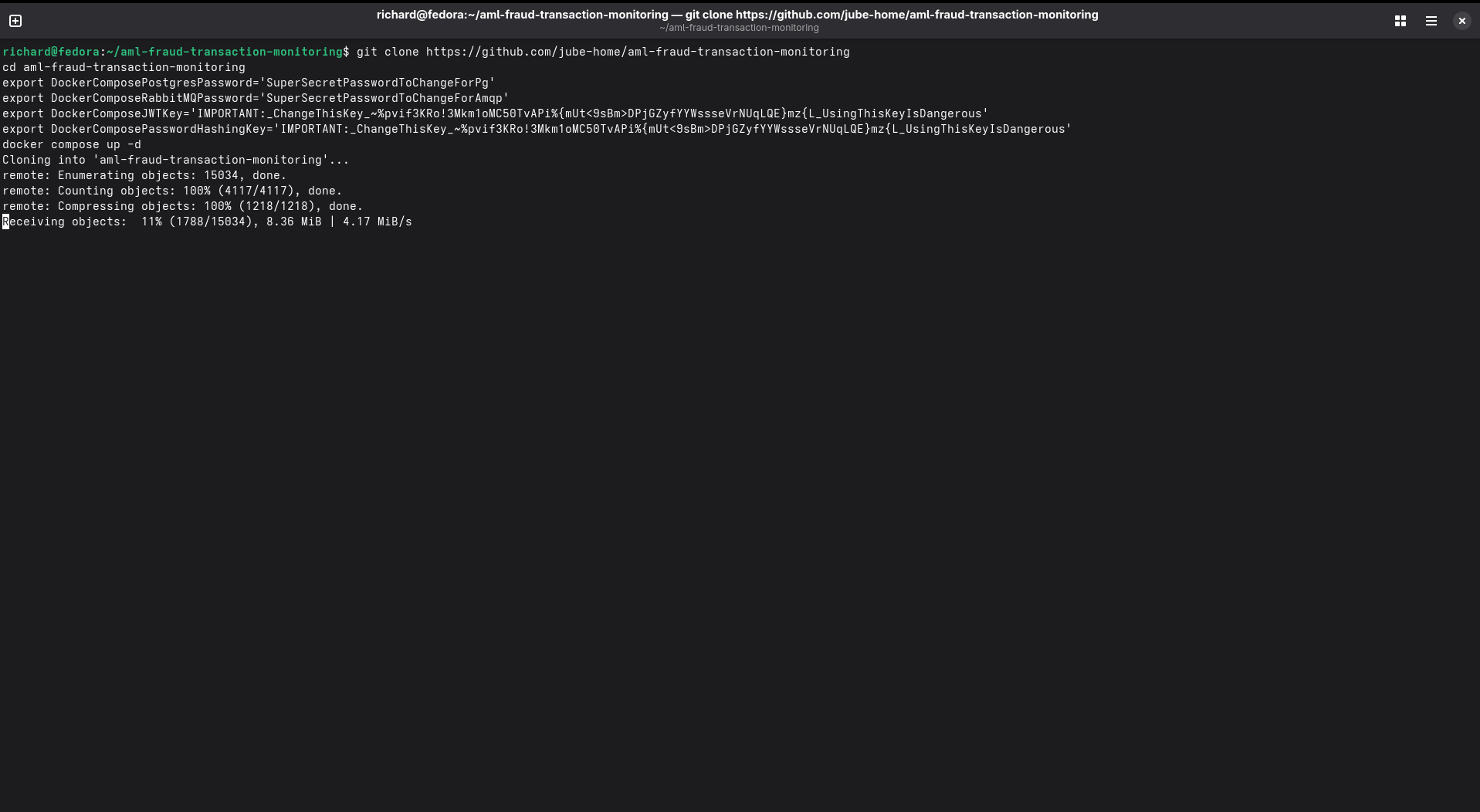
Copy and paste the full block of shell script above into the terminal. The Jube software will be cloned locally:
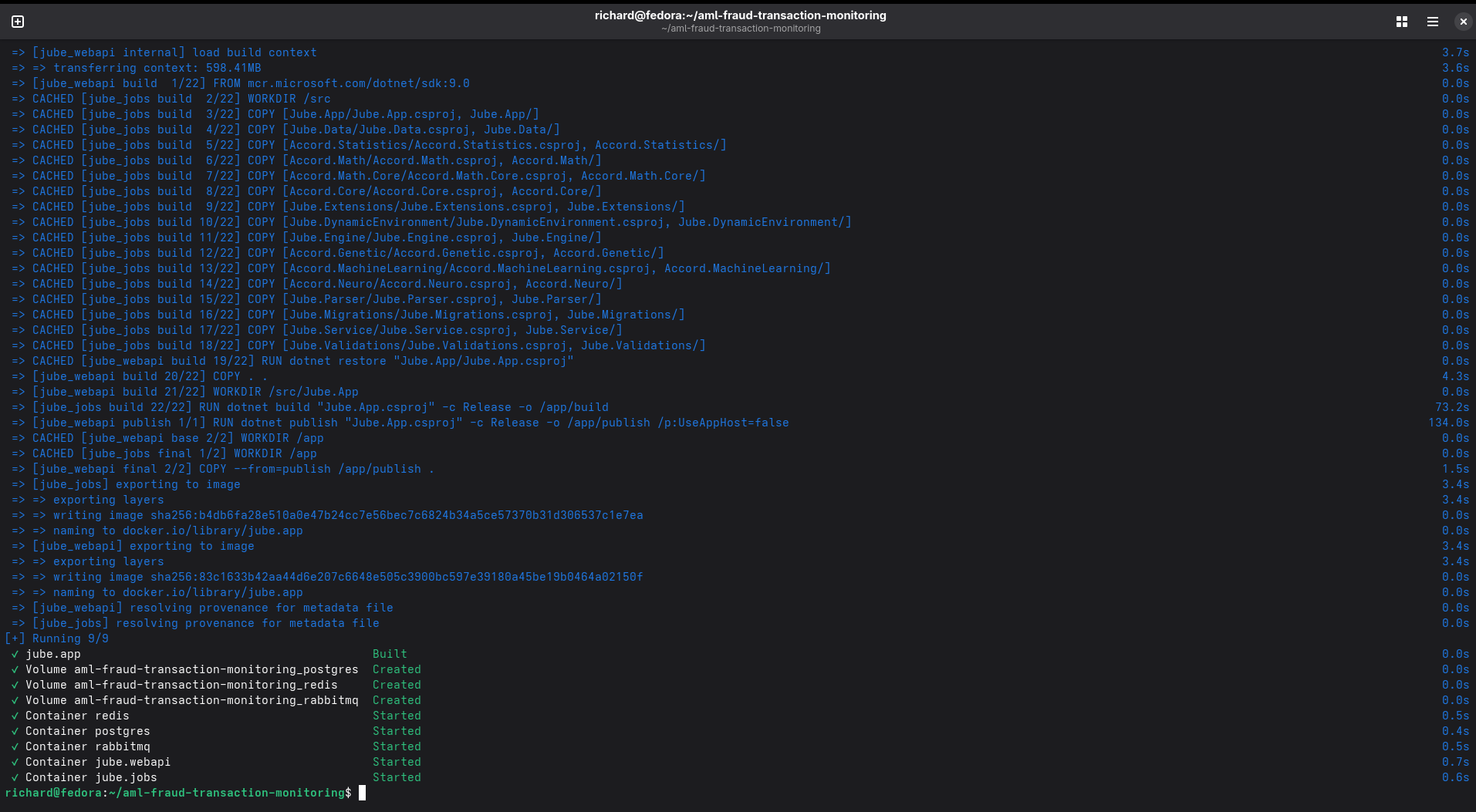
The software will be built locally after it has been cloned. Once the Jube Docker image has been built, Docker Compose will ensure that the remaining dependencies - Postgres and Redis - are available, and then orchestrate the stack:
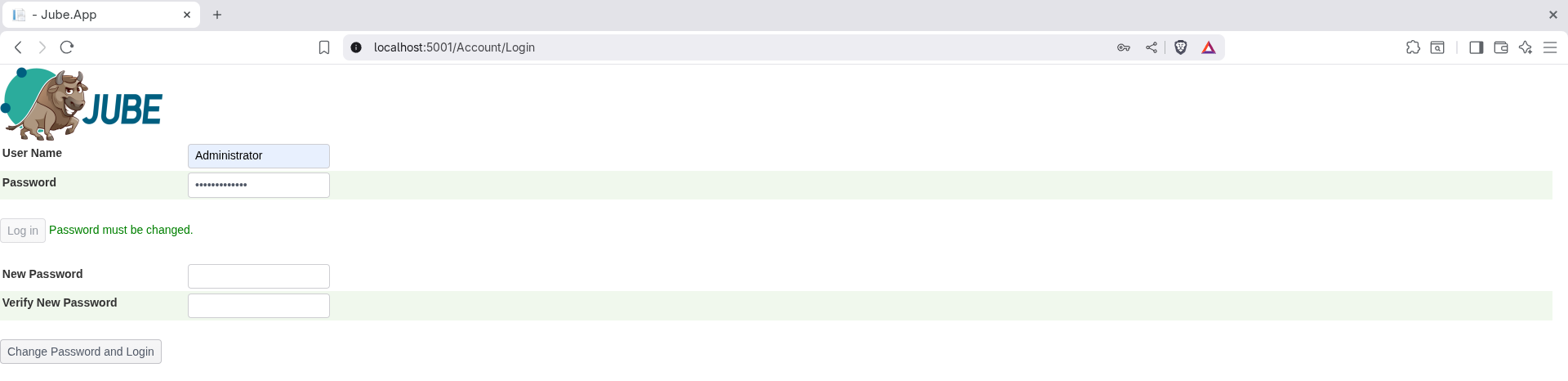
Navigate to http://localhost:5001/:

The default username/password is Administrator / Administrator, requiring change on first login:
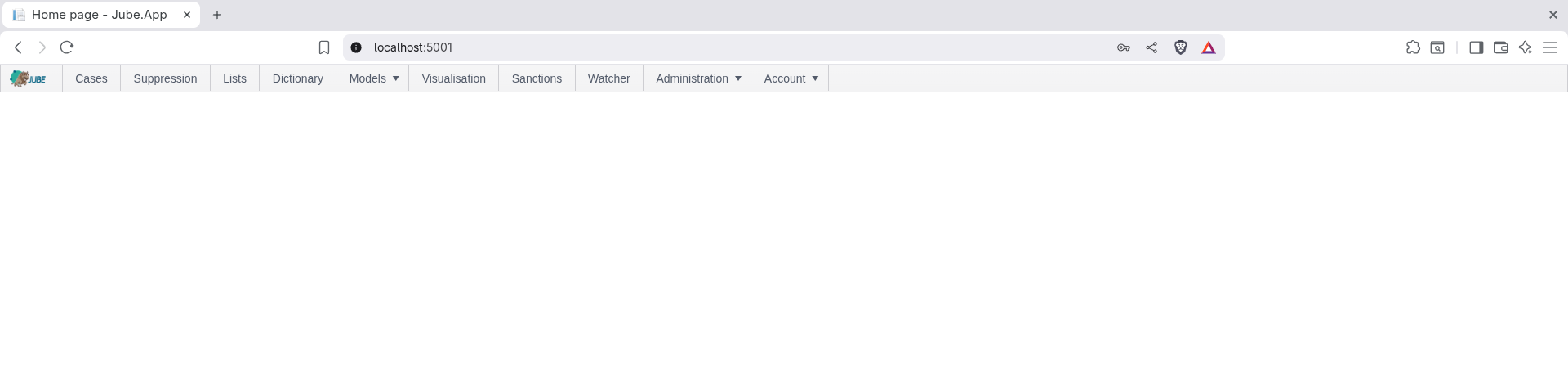
Upon change, navigation to the menu takes place:
Build dependencies
Nothing further needs installing to build the image - these are called out here only so it’s clear why they’re in
Jube.App/Dockerfile if you’re customising it:
- The Kerberos libraries
libkrb5-3,libgssapi-krb5-2andkrb5-user, required for Negotiate (Windows Integrated/Kerberos) authentication - .NET stopped bundling these from .NET 8 onwards, so they are installed explicitly as root in the base image stage.libgssapi-krb5-2is what the Negotiate P/Invoke calls actually need at runtime;libkrb5-3is pulled in as its dependency. - The
Jube.CryptographyandJube.Preservationprojects are copied and built as part of the image, required at runtime by Inline Script reflection and by Preservation import/export respectively.
Hardening beyond the quickstart
The quickstart above connects Jube to Postgres as the postgres superuser, which is adequate for evaluation but not
for a real deployment. docs/GettingStarted/CreateUsers.sql creates two restricted Postgres users - service
(used for the application’s ConnectionString/CacheConnectionString) and reporting (used for
ReportConnectionString) - scoped to only the grants each actually needs, rather than running as superuser. Neither
restricted user needs DDL rights, since Migration can instead run under a separate, DDL-capable credential via
MigrationConnectionString (falling back to ConnectionString when unset) - see
Environment Variables.
docker-compose.yml does not wire these restricted users in by default - running CreateUsers.sql from
Jube.Cluster means also updating the compose file’s connection strings and Postgres user setup by hand, a manual
hardening step for production deployments specifically. The simple docker-compose.yml is not intended for production use, at least without
significant
hardening.
Sizing the quickstart’s Postgres and Redis containers
The root docker-compose.yml pins the postgres container to fixed memory-related settings (shared_buffers,
work_mem, maintenance_work_mem, effective_cache_size, wal_buffers, max_wal_size, min_wal_size,
max_connections, temp_file_limit) rather than leaving them at Postgres’s own conservative defaults, and pins
redis to maxmemory 18gb with maxmemory-policy noeviction alongside io-threads 4/io-threads-do-reads yes.
These are sized for a development/evaluation host with several GB of RAM to spare, not derived from the container’s
actual allocation - resize them (or remove the command:/REDIS_ARGS overrides entirely and let each engine pick
its own defaults) to match the memory actually available to the host or container before using this compose file as
a starting point for anything beyond local evaluation. maxmemory-policy noeviction in particular means Redis will
start refusing writes rather than silently evicting data once maxmemory is reached, which is the safer failure mode
for a cache that also holds TTL Counter and cache payload state, but means an undersized maxmemory shows up as
write errors rather than degraded performance.
The stack is deployed as a single jube service - one image, one container - rather than split across
separate web API and background-jobs services, so every feature flag (reprocessing, cache pruning, sanctions
loading, EnablePublicInvokeController, and so on) is enabled together and LocalCache stays True throughout.
Beyond a single node
This page covers a single-node Docker Compose deployment, which is the right starting point for evaluation and proof of concept, but is not intended for production use as-is. For a load-balanced, highly available, clustered deployment with robust secret management, see Deploying with Jube Cluster.